Lay out your own print sheets.
Drop photos onto a sheet, crop each magnet, and export a 300 DPI PDF or PNG.
Free at studio.vixie.app. No signup needed.
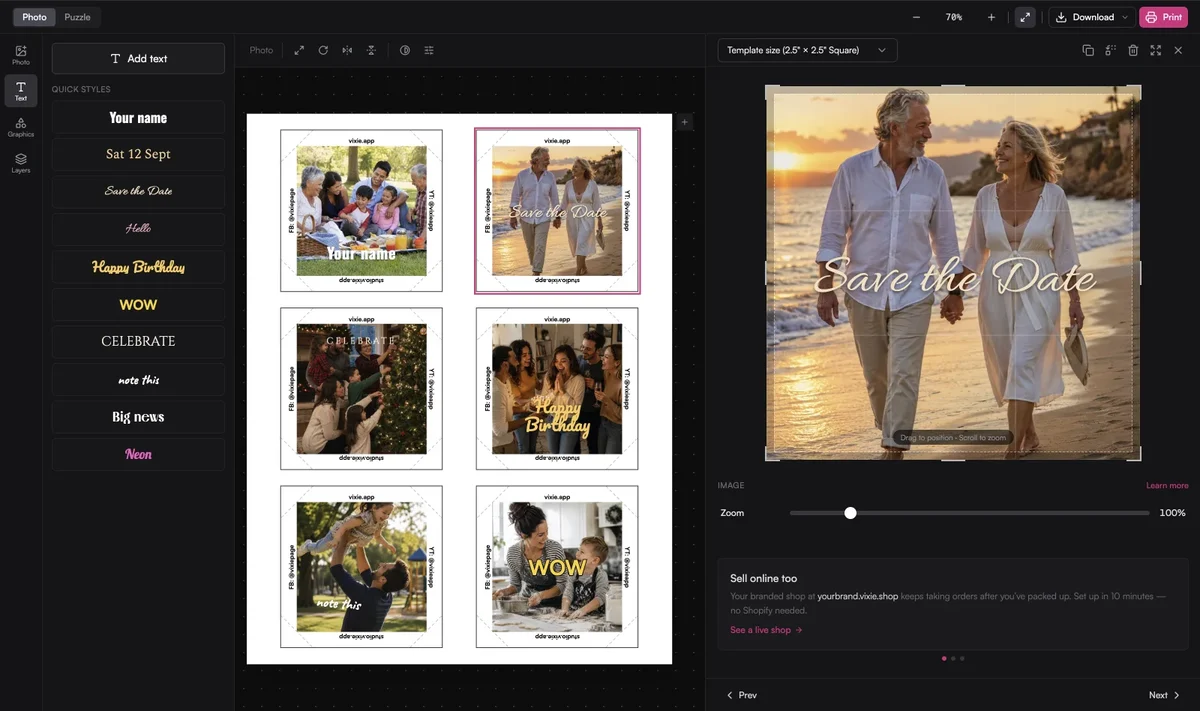
How it works
Drop, crop, and print.
Design
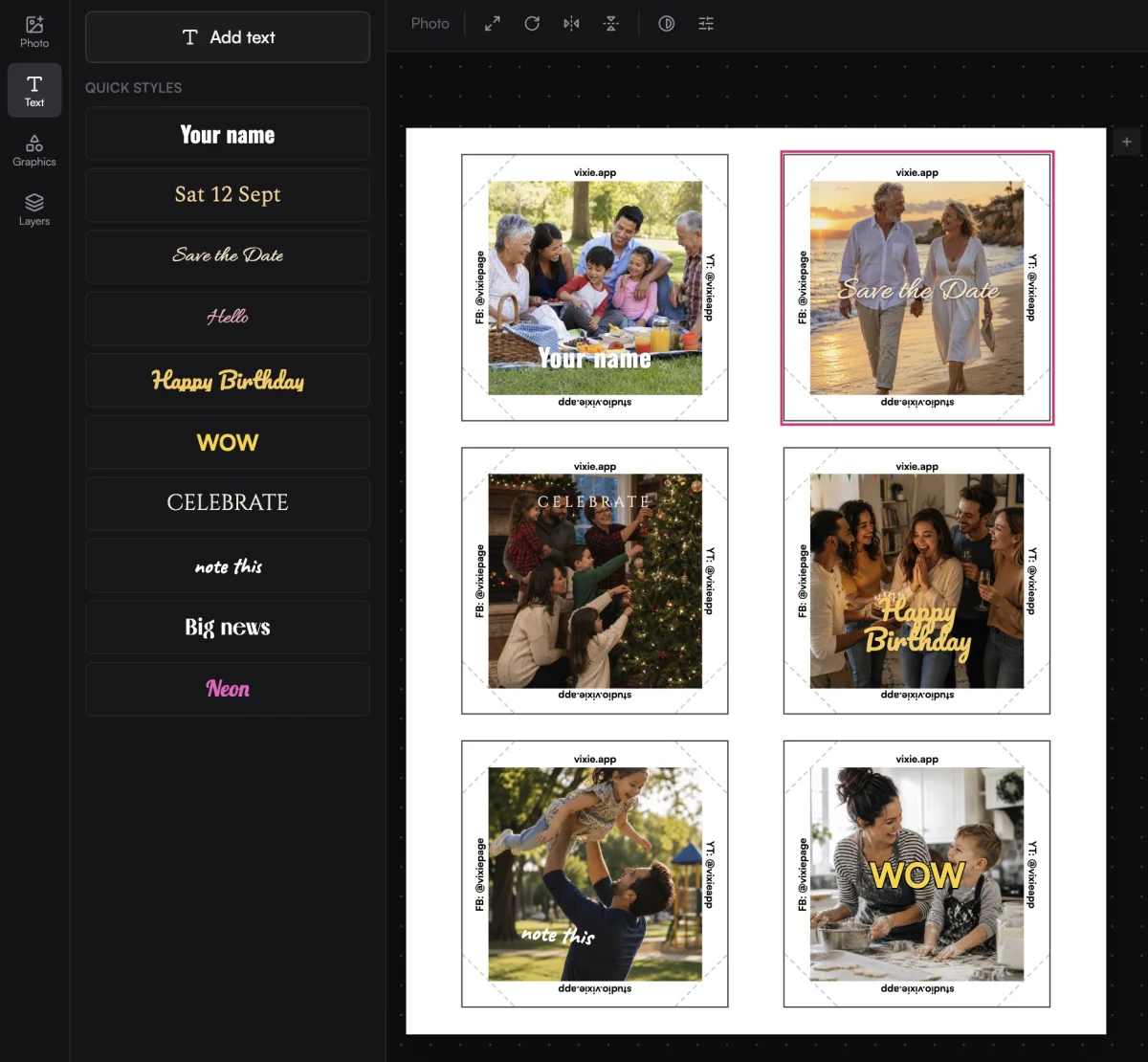
Add text with Quick styles.
Drag inside a magnet to reposition the photo, then rotate or flip it.
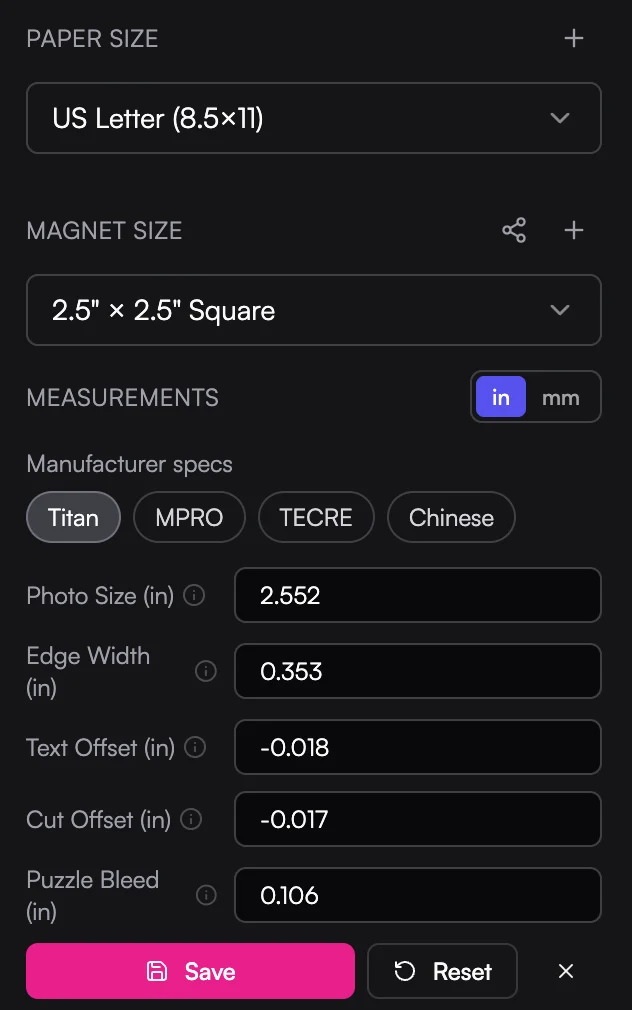
Fit your press
Presets for the press you own.
Print one test sheet to fine-tune. Read the guide.
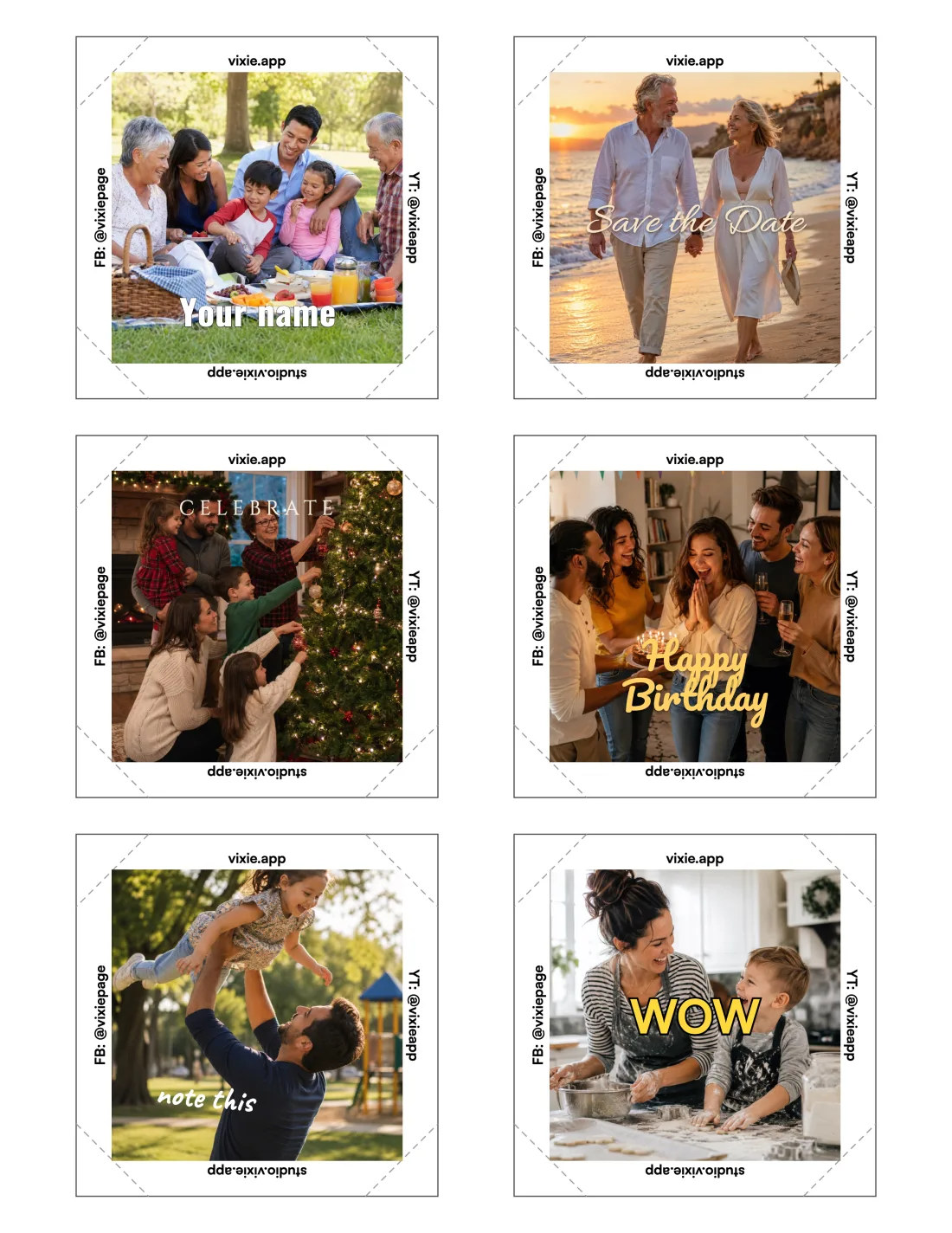
Export
A print-ready file, every time.
The details
Everything on the sheet.
Puzzle layouts
Slice one photo into a labelled grid of pieces, from 2x2 up.
Edge text
Your website or handle along the wrap, including arcs on round magnets.
Borderless or bordered
Print to the photo edge, or add a background behind zoomed-out photos.
Mixed sizes
Give each magnet its own size. Slots take the size of the largest.
Edit Measurements
Match your press, free in the public studio. Read the guide.
Pull in paid orders
In your Vixie dashboard, open any print batch in Studio to adjust it.
Questions
Print Studio, answered.
Is the studio really free?+
What does the free studio include?+
What do Vixie plans add?+
Which file types can I export?+
Which printers does it work with?+
How is this different from Canva?+
Explore more features
Everything else that comes with Vixie.
Lay out your next sheet.
Open the free studio now, or start a trial to pull your paid orders straight in.